Brought to you by: Kara!
Hello Musher friends. I heard that some of you were confused about how to post a comment on the Musher's blog, so I'm here to help.
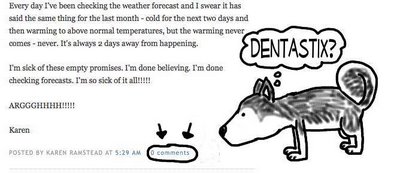
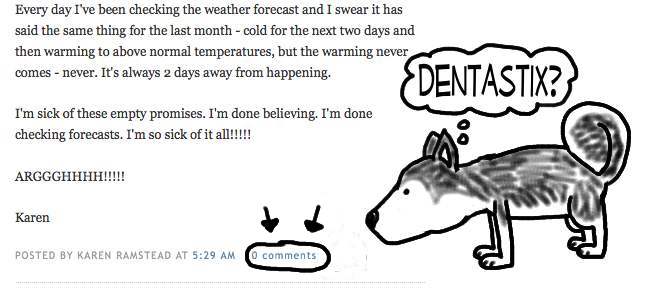
The first thing you do is send me a box of dentastix... ok, you don't have to do that, but you will need to read the blog post, then at the very end of the post, you will see the words "Posted by (and whoever posted it) the time, and next to that 0 Comments (it may actually be a number, depending on if there are comments that have already been posted). Click on "Comments"
Clicking on "Comments" will take you to the "Comments" screen (how handy!).
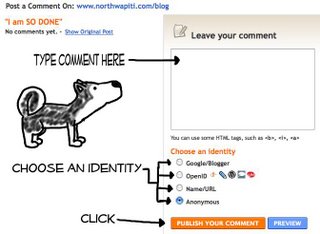
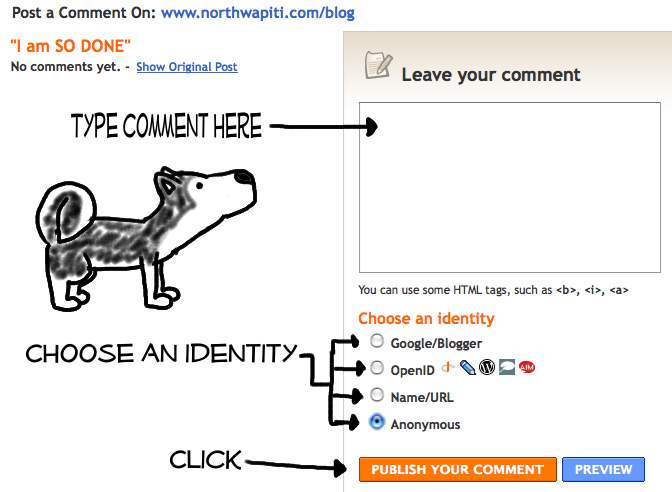
Under "Leave your comment" you'll click in that box and type whatever you want (be NICE!).
If you have a Google/Blogger ID, click in that circle and it'll ask you who you are. If you have an OpenID or Name/URL, click those. Don't know what those are? Don't click them, you can click Anonymous and then leave your name in the comment so we know who you are.
Then, you simply click the "Publish your comment" button. You can also preview it if you want, but be brave... just click, honestly, if you don't like it, you can actually delete it once its posted.
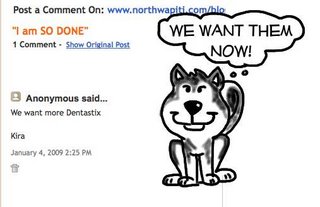
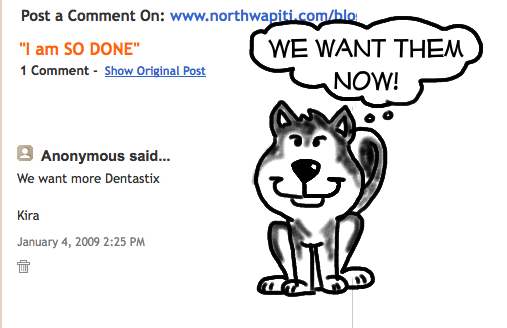
Once you click "Publish your comment" your comment will automatically show up on the comment page! Amazing! To get back to the blog, you can click on the "show original post" or hit the back button a few times, whatever you prefer.
Now, do you remember how I said you can delete a comment? Notice how (as an example) I wrote Kira instead of Kara? See the little trash can underneath the date in my comment. Click that and that will delete your comment.
See, now wasn't that easy? Ok, so send a box of Dentastix to me, quick! I'm not getting my daily allowance of Dentastix from the Musher so I need to hide my own stash.
Kara
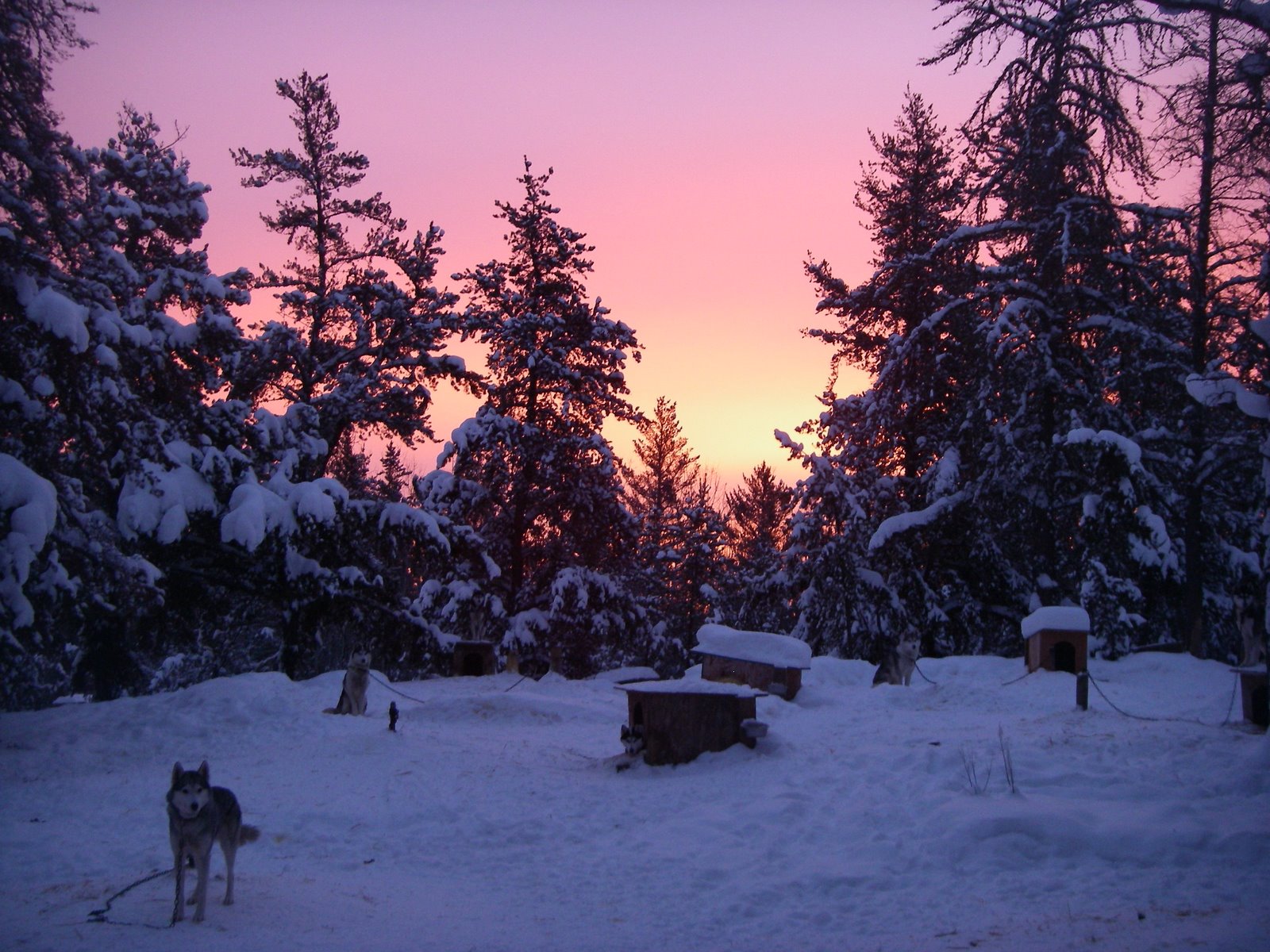
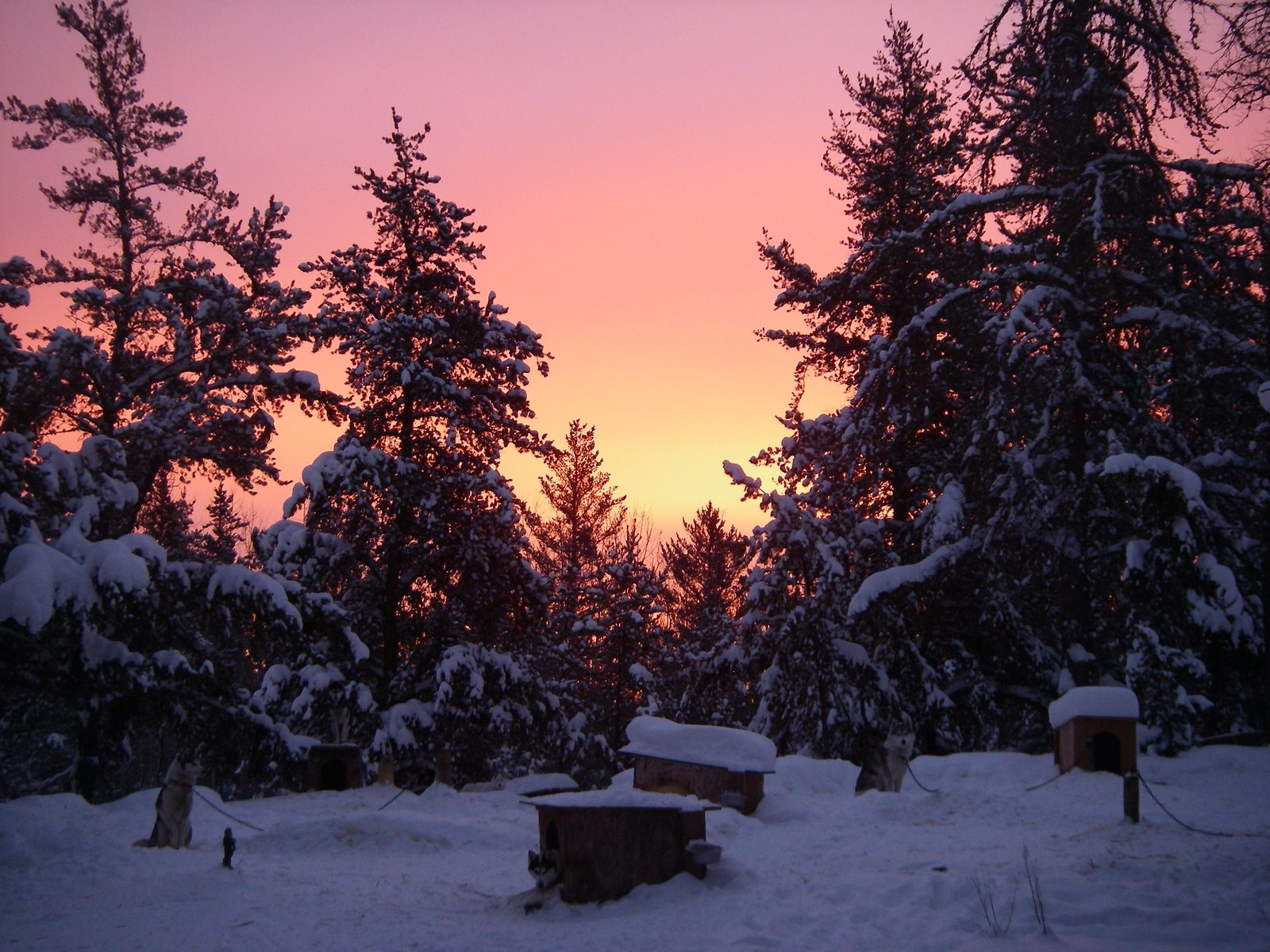

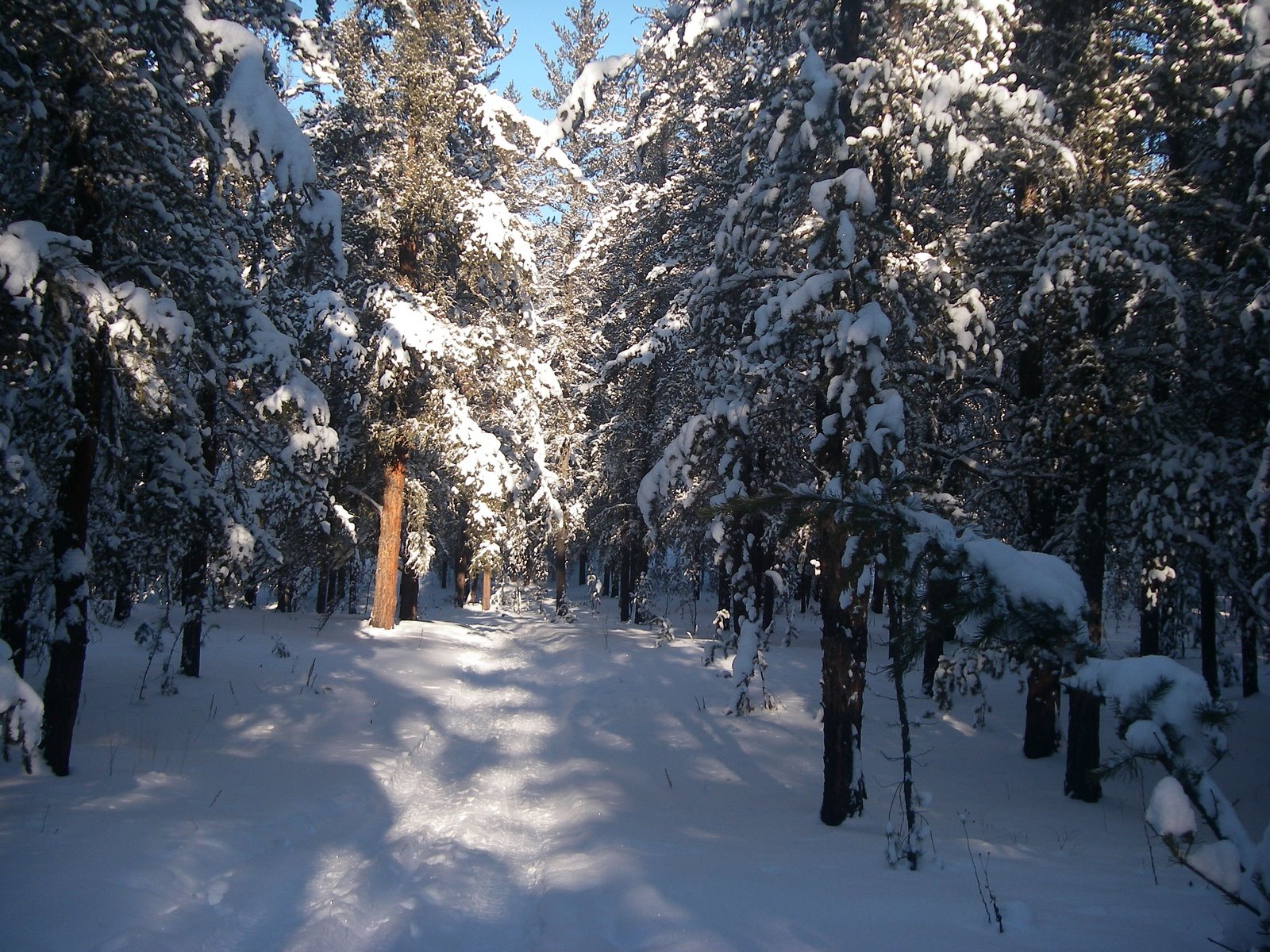 Looking back at our 'out trail'. Pretty, isn't it?
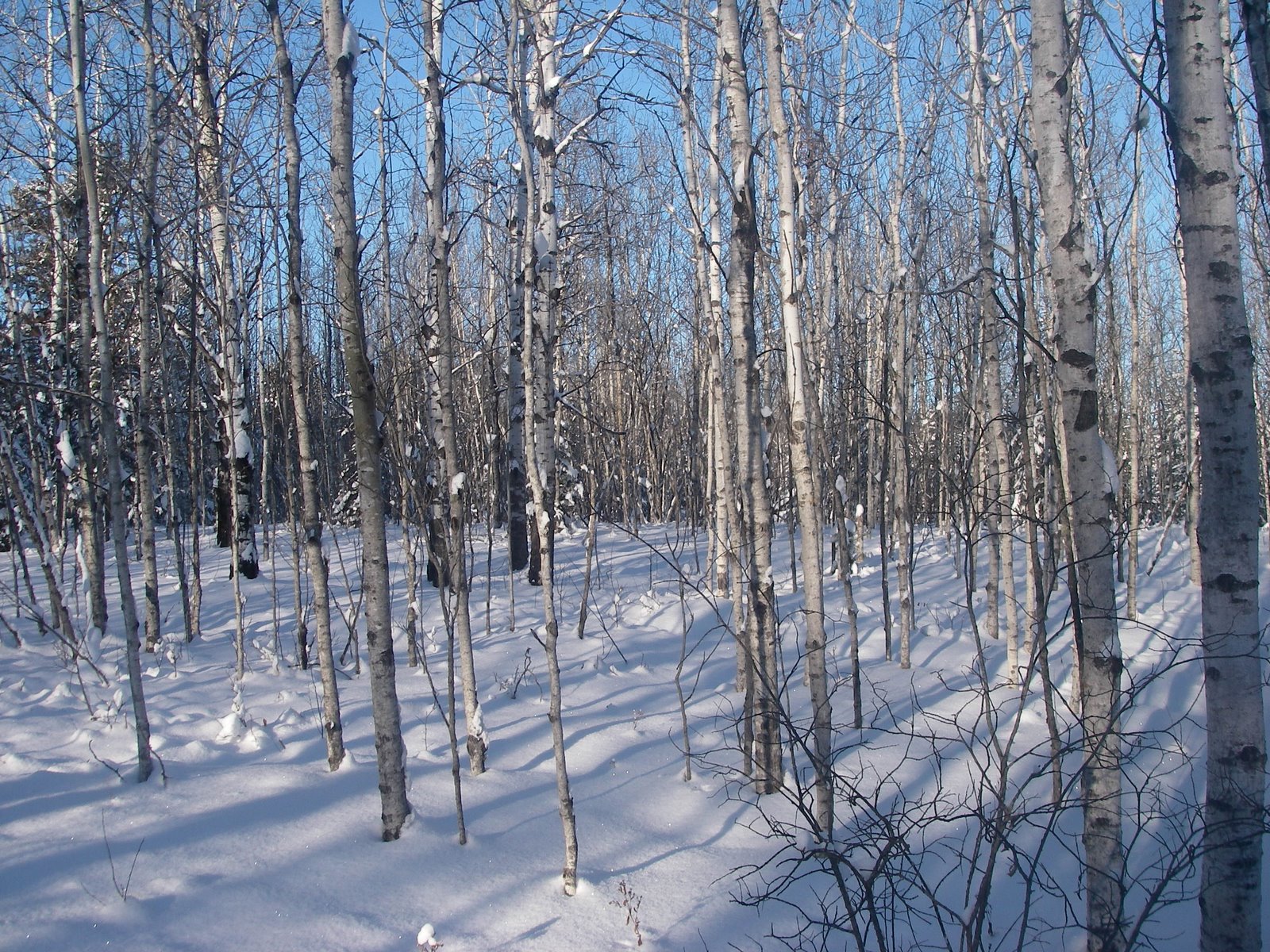 I love the stark look of bare trees against the snow and blue sky
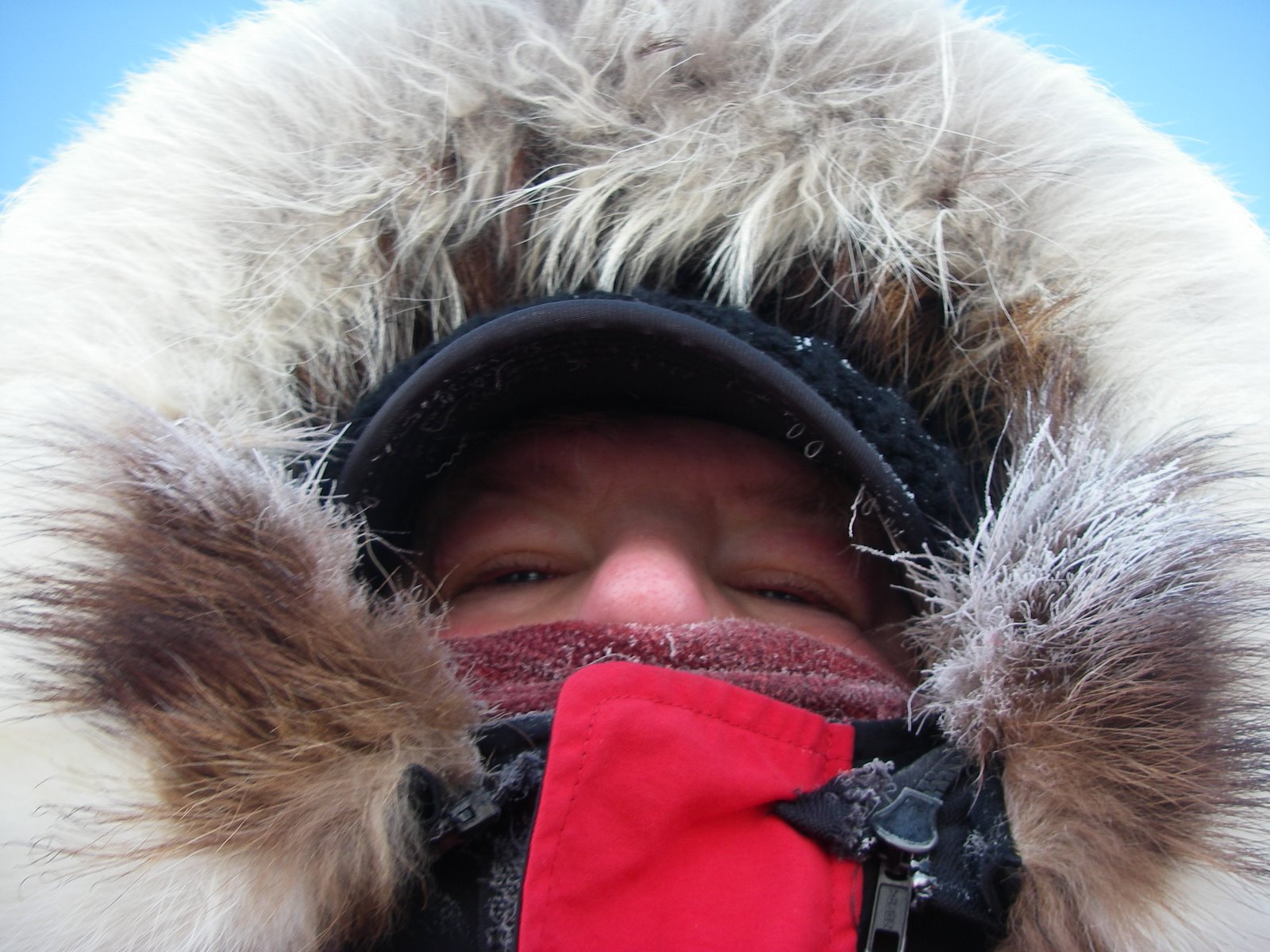 Do I look cold?? I am!!!!
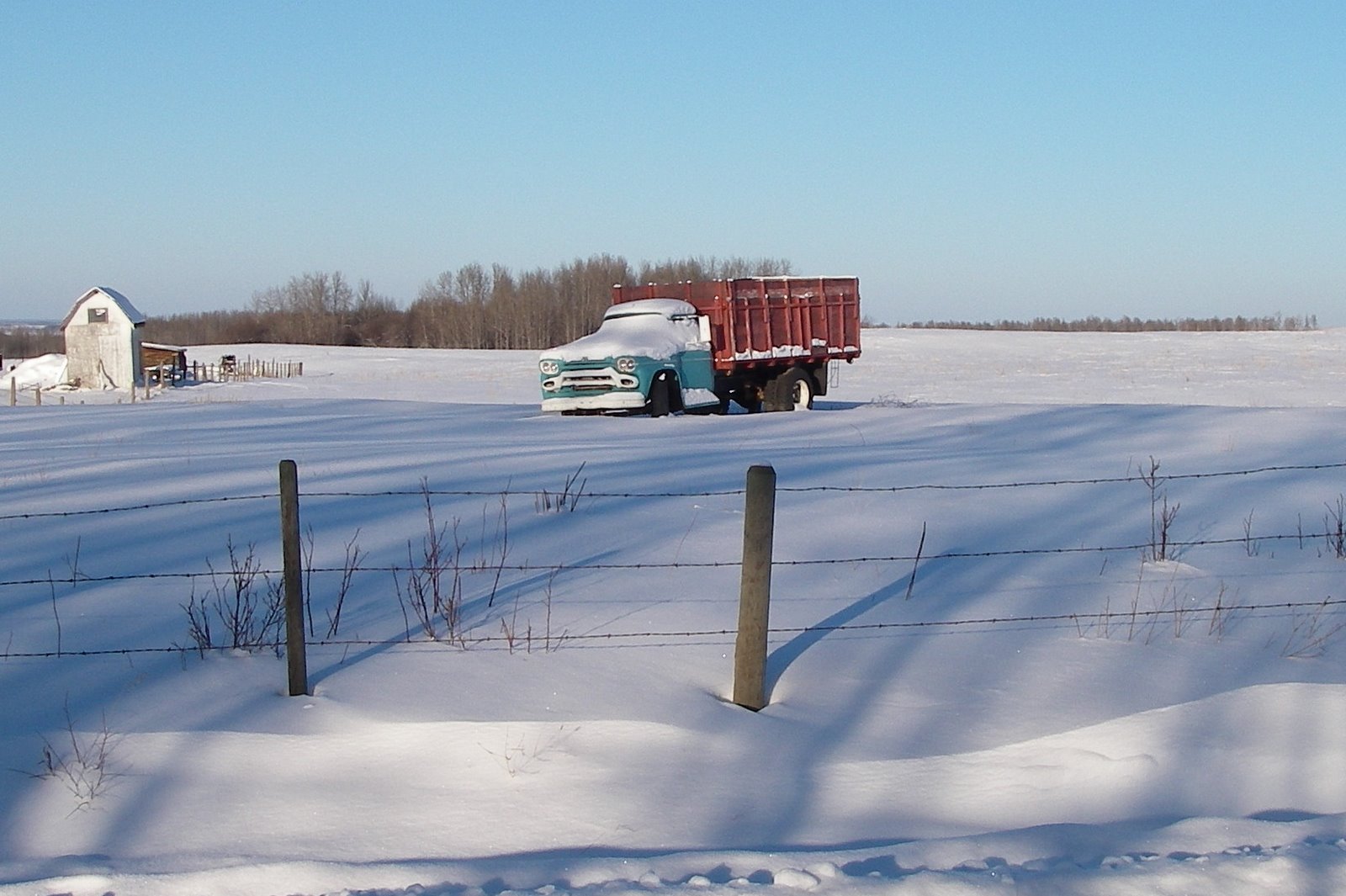 I've been meaning to take a photo of this truck for awhile. I love the colors!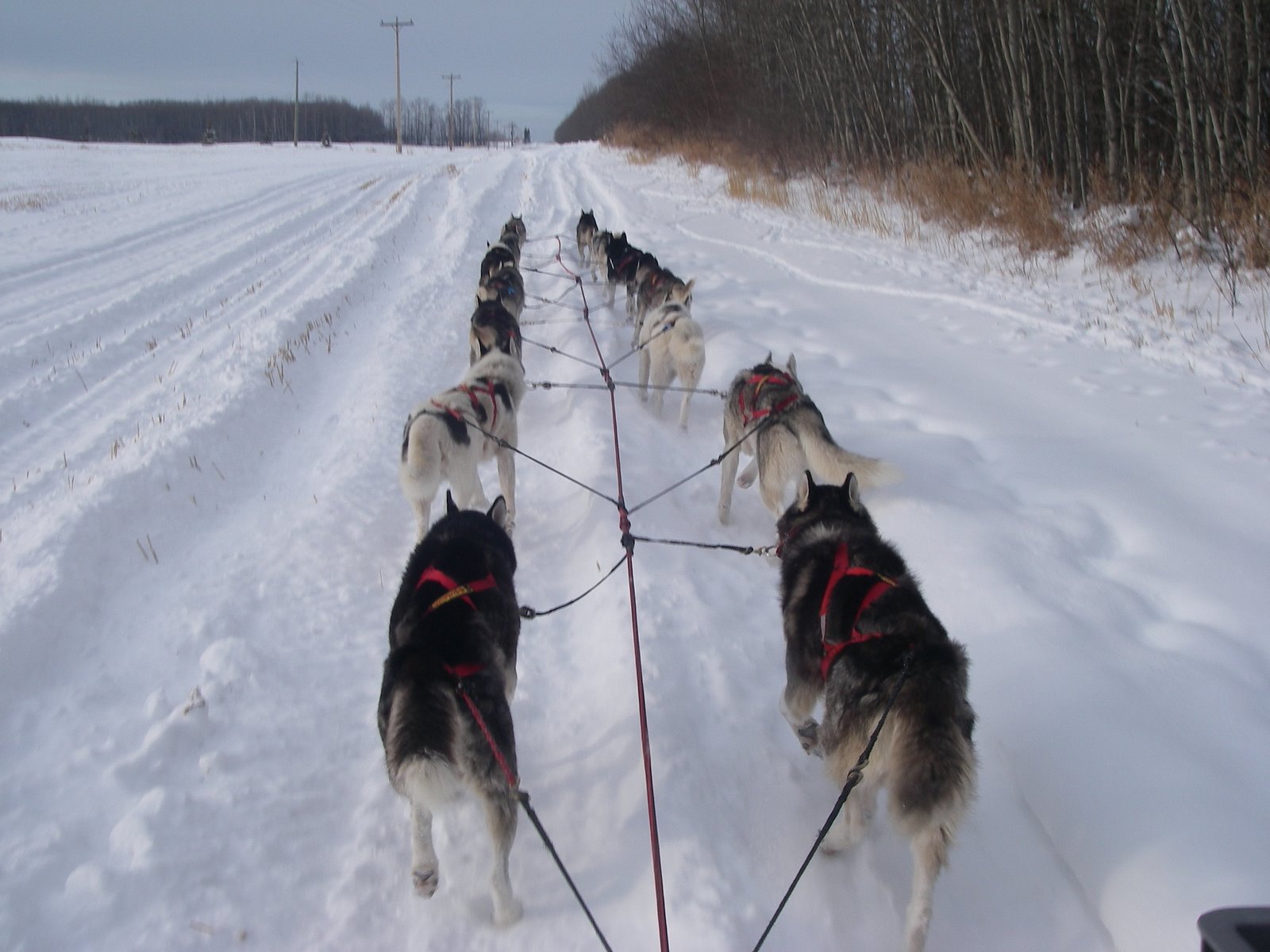
 Under "Leave your comment" you'll click in that box and type whatever you want (be NICE!).
 Once you click "Publish your comment" your comment will automatically show up on the comment page! Amazing! To get back to the blog, you can click on the "show original post" or hit the back button a few times, whatever you prefer.
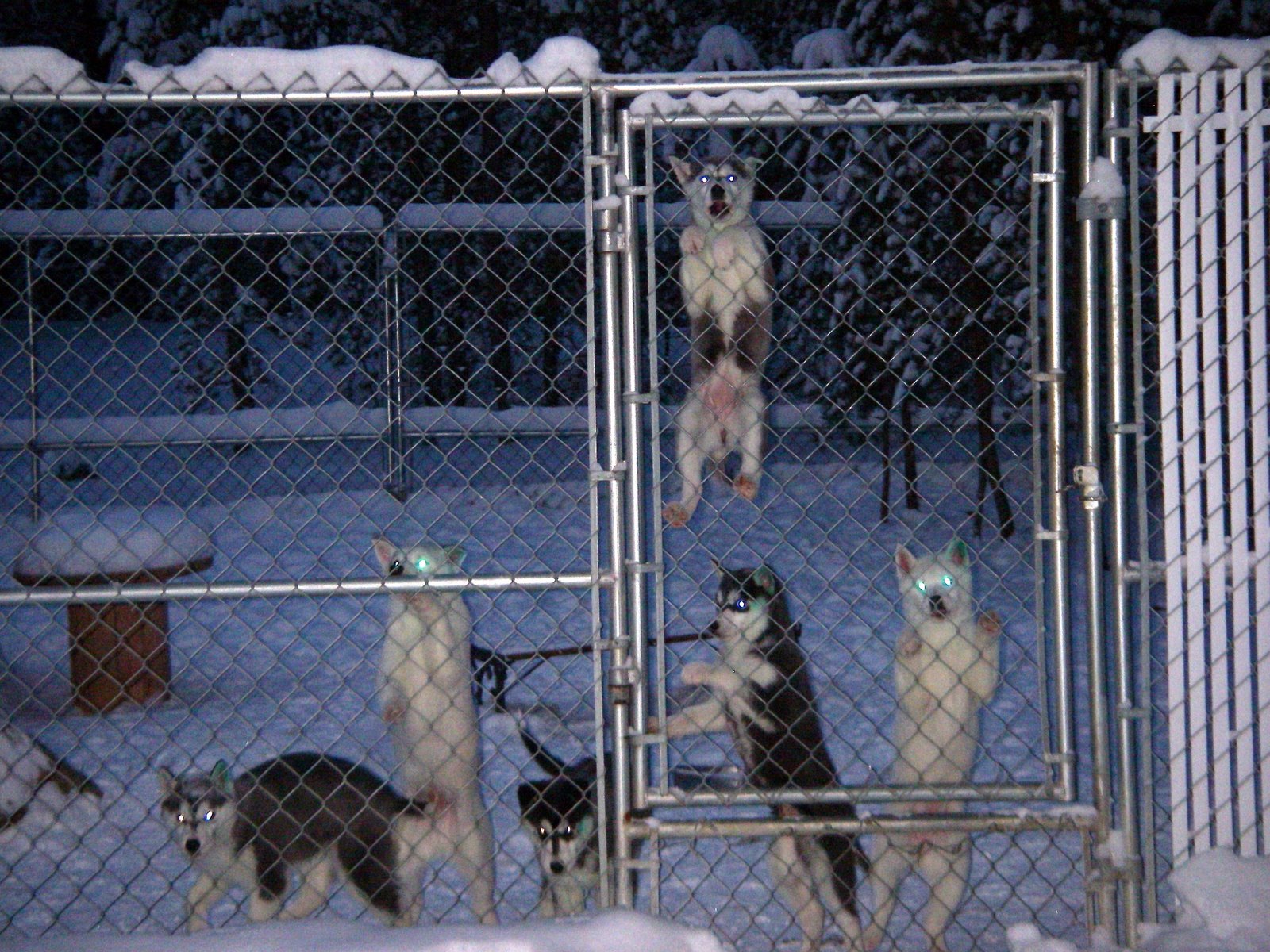
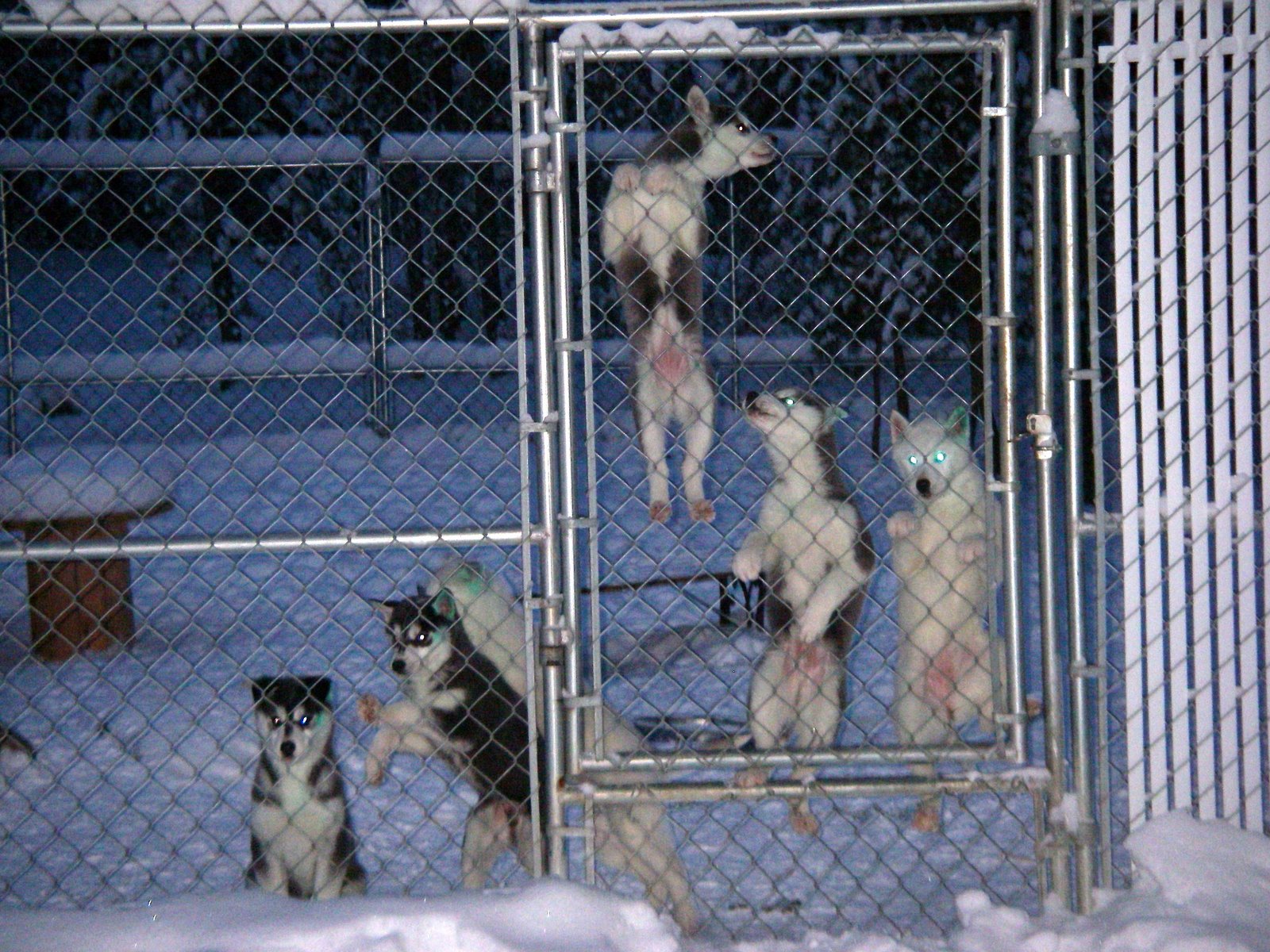
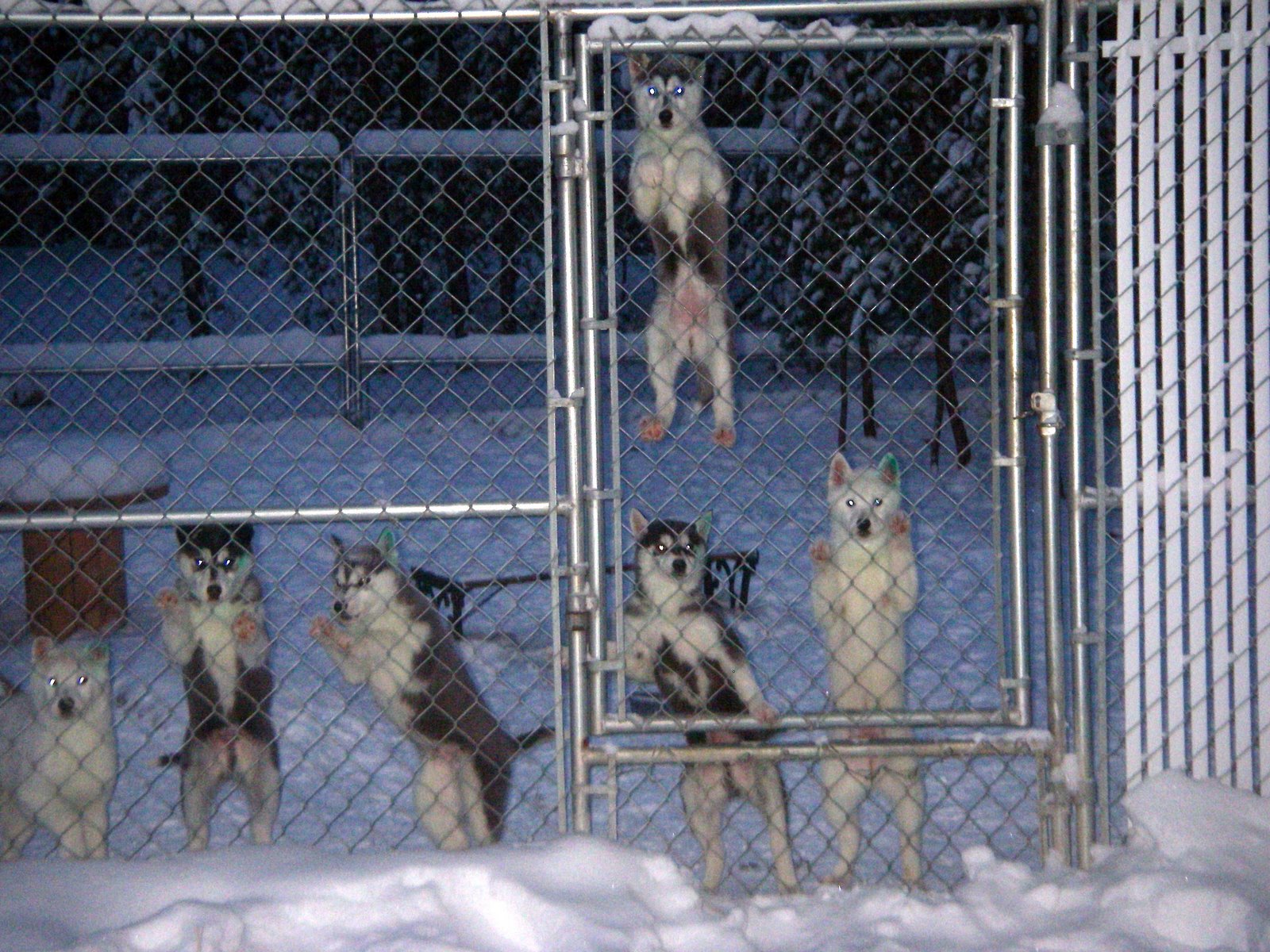
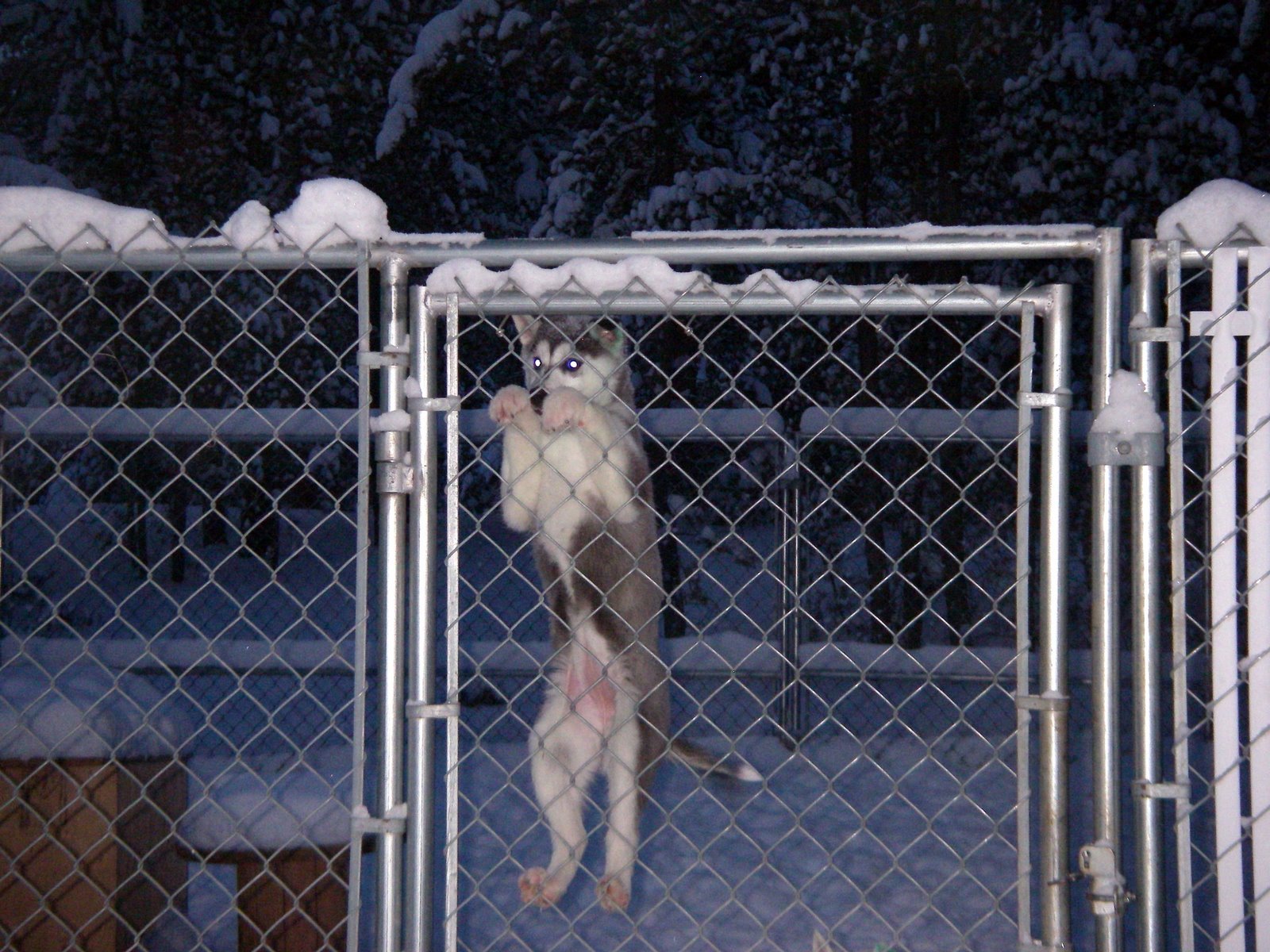
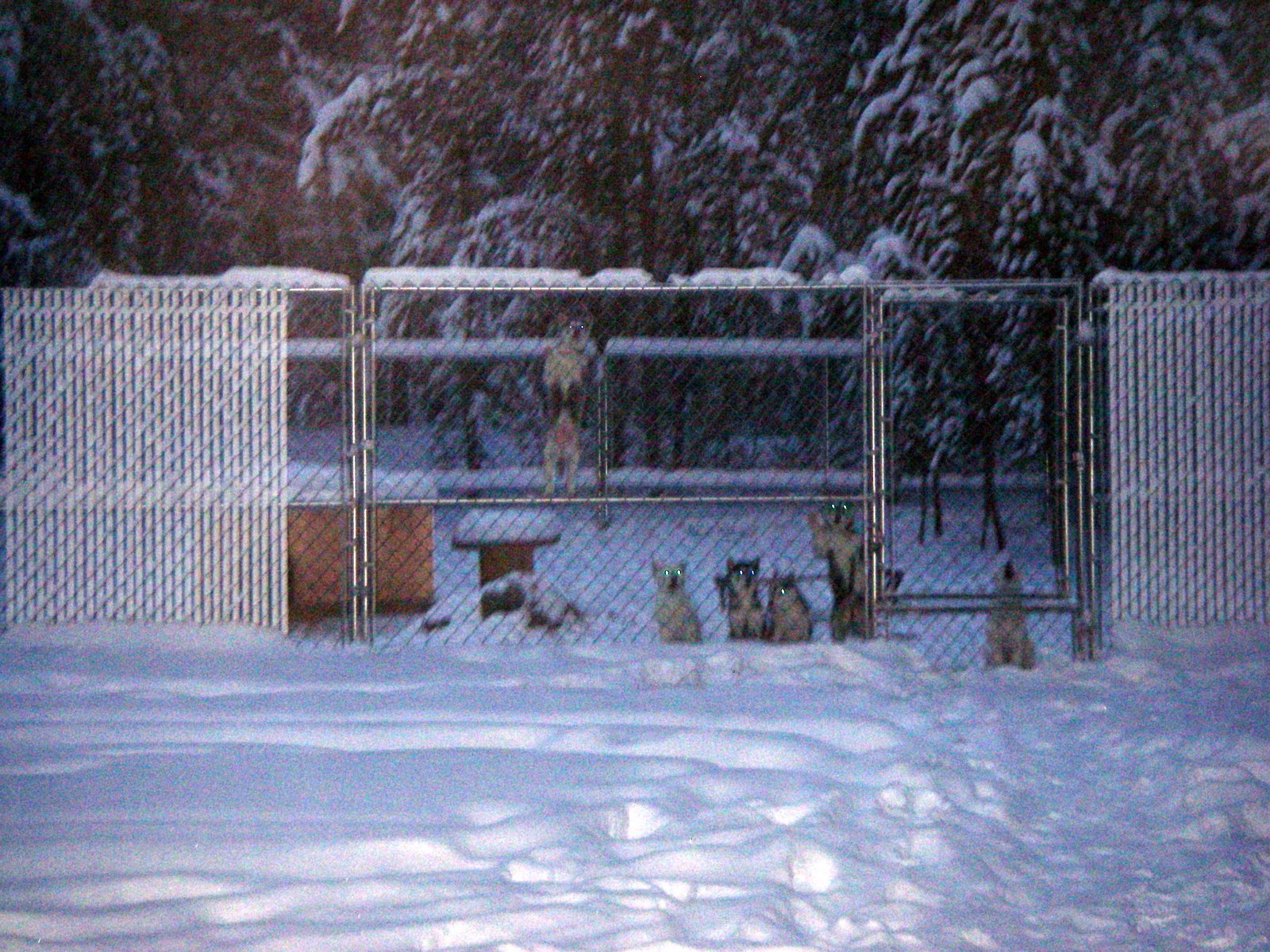 That's Grimmy hanging near the top of the 6 foot fence. She has been my favorite in the litter almost since birth.